 SimpleTen
Job costing automation for Sacramento service businesses
A service business can stay busy and still lose margin if nobody can see what each job actually costs. Job costing automation helps owners connect estimates, labor, materials, invoices, and follow-up so profit does not disappear inside disconnected tools.
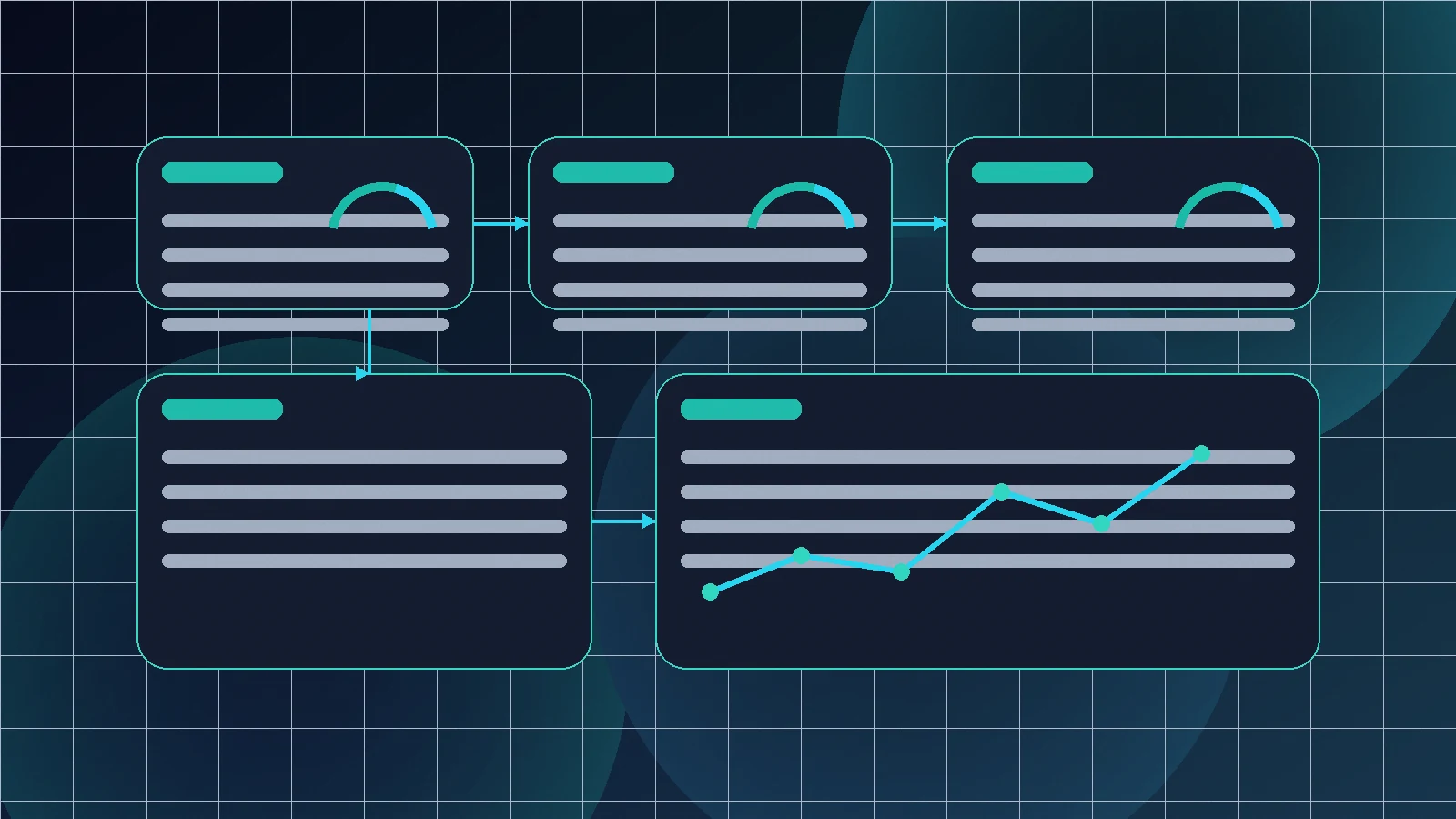
For many Sacramento contractors, home service teams, professional firms, clinics, and field operators, the problem is not lack of work. The problem is that the numbers arrive too late. Labor hours live in one place. Materials live in another. The estimate sits in the CRM. The invoice is in accounting. The owner finds out a job was thin only after the month is already over.
Business automation Sacramento searches often focus on lead response and CRM cleanup, but margin visibility is just as important. If a business cannot tell which jobs are profitable, which crews are overloaded, or which service lines quietly drain time, growth becomes guesswork.
Start with the job lifecycle, not the software
Before building automation, map the path of one job from first inquiry to final payment. A practical version might look like this: lead captured, estimate created, job approved, work scheduled, labor logged, materials purchased, customer updated, invoice sent, payment collected, review requested, margin reviewed.
That map shows where information gets lost. Maybe the estimator writes notes that never reach dispatch. Maybe the technician texts photos that never make it into the job record. Maybe the bookkeeper sees the invoice but not the original quote. A good AI workflow automation plan connects those handoffs instead of forcing the owner to reconcile them manually.
Capture cost signals while the job is happening
Job costing fails when the business waits until the end of the week to reconstruct what happened. Automation should capture cost signals as close to the work as possible. That can include labor time, drive time, materials used, change orders, subcontractor costs, discounts, refunds, warranty visits, and customer delays.
For a Sacramento service business, this does not need to start as a complex enterprise system. It can begin with cleaner forms, required CRM fields, automated reminders, simple technician updates, photo uploads, and notifications when a job changes scope. The goal is to reduce memory-based reporting.
Use AI to summarize messy job information
AI is useful when job information is unstructured. Customer messages, technician notes, call summaries, emails, and photos often contain clues that explain why a job ran long or changed scope. AI can summarize the job history, pull out important details, flag missing information, and prepare a cleaner handoff for the owner or operations manager.
This is where Sacramento AI consulting should stay practical. The point is not to have AI make financial decisions on its own. The point is to help a human see the right information faster so pricing, scheduling, staffing, and follow-up decisions are based on reality.
Connect estimates, CRM, accounting, and dashboards
Most local businesses already have pieces of the system: a CRM, scheduling tool, accounting platform, spreadsheet, forms, text messages, and maybe a field service app. Job costing automation helps those tools talk to each other.
For example, an approved estimate can create a job record. A scheduled job can trigger prep tasks. A completed job can prompt the team to confirm labor, materials, and customer outcome. The invoice can be compared against the original estimate. A dashboard can show jobs that need review before the month closes.
That kind of system fits inside the broader SimpleTen Operating Systems approach: connect growth, operations, knowledge, and reporting so the business runs from cleaner information.
Build alerts around margin risk
Owners do not need another report they never open. They need alerts when something needs attention. Useful margin-risk alerts might include jobs with missing labor time, jobs over estimated hours, invoices not sent within 24 hours of completion, change orders without approval, materials above threshold, unpaid invoices, or repeat warranty visits.
The best alerts are specific and actionable: “Job 1427 is 4.5 labor hours over estimate and has no change-order note.” That is more useful than a dashboard full of vague red numbers.
Review jobs weekly, not once a quarter
Automation makes the review easier, but it does not replace judgment. A simple weekly job review can help Sacramento service businesses spot patterns early: certain service lines are underpriced, certain neighborhoods require more drive time, certain job types need better intake questions, or certain crews need clearer handoffs.
Over time, those patterns improve estimating, staffing, purchasing, scheduling, and customer communication. That is the real win. Job costing automation turns scattered operational details into better management decisions.
What to automate first
Start with the lowest-friction workflow that creates the most visibility. For many service businesses, that means automating job completion checklists, labor and material confirmation, invoice reminders, and weekly margin review notifications. Once that works, connect more sources and add more precise reporting.
If the business is still missing leads or struggling with follow-up, connect job costing to the front end too. A strong lead generation and follow-up system should eventually show not only how many leads came in, but which jobs were actually worth pursuing.
Final takeaway
Job costing automation is not about making the business more complicated. It is about giving owners timely visibility into where money is made, where time is lost, and where the process needs to change.
For Sacramento service businesses, better margin visibility can be the difference between being busy and building a stronger company.
Want clearer job costing and margin visibility?
SimpleTen can review your lead, estimating, scheduling, CRM, accounting, and reporting workflow, then build a practical blueprint for the highest-impact automations.
Book Assessment ↗