 SimpleTen
Customer status update automation for Sacramento service businesses
Customers usually do not mind waiting when they know what is happening. They get frustrated when a job, estimate, appointment, or request goes quiet. Customer status update automation gives Sacramento service businesses a practical way to keep people informed without adding more manual office work.
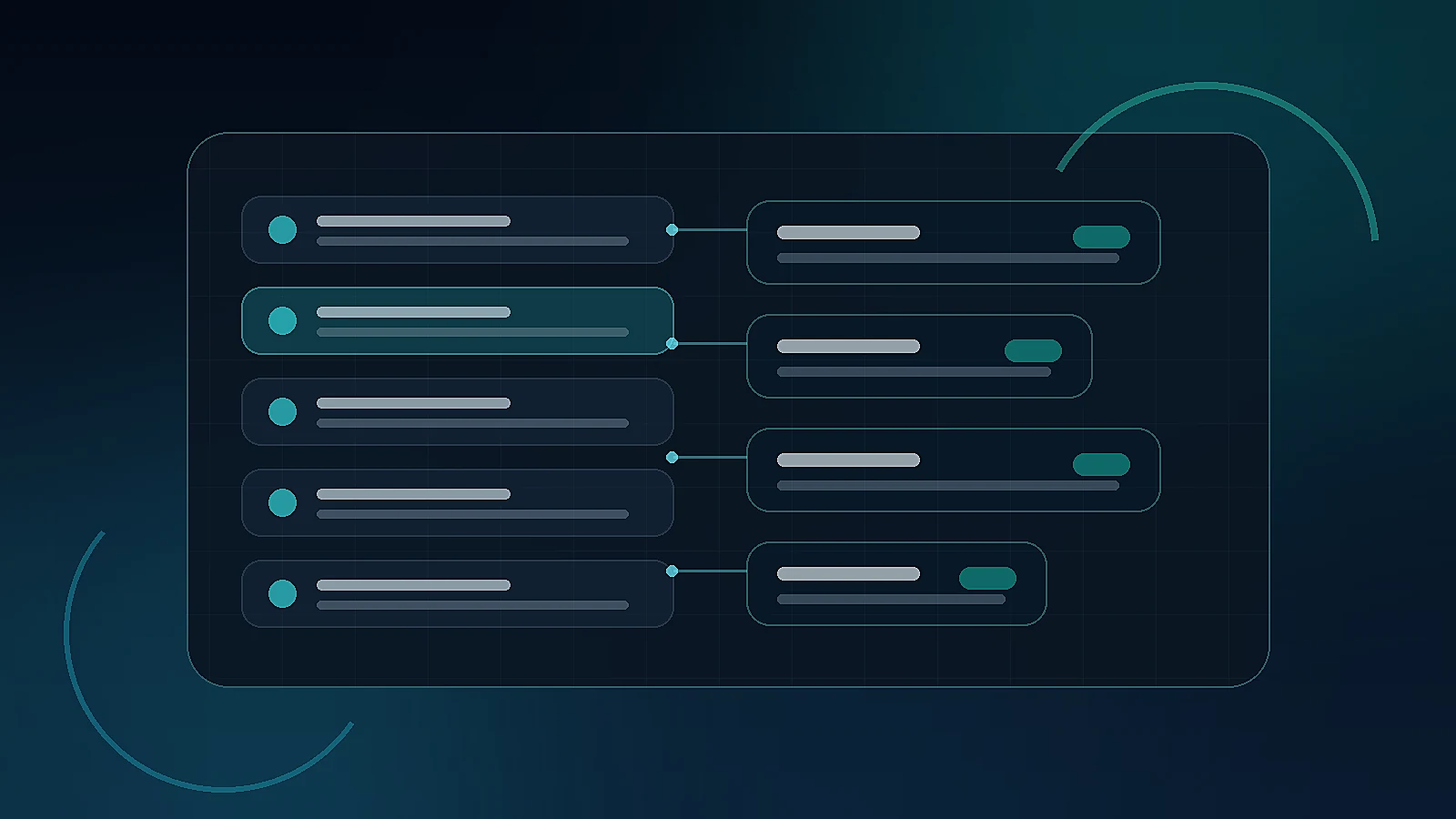
Customer status update automation in Sacramento is one of the simplest ways to improve service quality while lowering the number of “just checking in” calls, texts, and emails your team has to answer. It is not flashy AI. It is dependable communication at the moments customers care about most.
For trades, home services, clinics, mobile services, professional offices, and other local operators, status updates often live in someone’s memory. A coordinator knows the technician is running late. An estimator knows the proposal is almost ready. A manager knows the part is backordered. The customer does not know any of that unless someone remembers to send the message. A practical AI workflow automation system can close that gap.
Where customer communication usually breaks down
Most breakdowns happen between major milestones. The lead was captured, but nobody confirmed next steps. The appointment was scheduled, but the customer never received preparation instructions. The estimate was sent, but there was no reminder. The job was completed, but nobody explained what happens next.
Inside the business, the work may be moving. To the customer, silence feels like uncertainty. That uncertainty creates extra inbound messages, missed expectations, lower trust, and more administrative load for the team.
Start with the moments customers ask about most
The best place to start is not a giant customer portal. Start with the five to eight moments your team answers over and over: “Did you get my request?”, “When will someone arrive?”, “What do you need from me?”, “Is the estimate ready?”, “Has the job been scheduled?”, “When is payment due?”, or “What happens after the appointment?”
Those repeated questions are automation opportunities. A well-designed system can send a short message when the lead is received, when the appointment is confirmed, when the crew is on the way, when an estimate is ready, when a missing detail is needed, when a job changes status, or when the next action belongs to the customer.
Connect updates to real workflow triggers
Status updates should be triggered by real business events, not random drip campaigns. If a CRM stage changes, a calendar event is created, an invoice is issued, a form is completed, or a task is overdue, the system can send the right message or alert the right person.
This is where operating systems thinking matters. The update should match the actual workflow. A Sacramento HVAC company, med spa, roofing company, accounting firm, or cleaning business will not need the same milestones. The automation should reflect how the business actually sells, schedules, performs work, and follows up.
Use AI carefully for messy customer messages
AI can help when customer communication is unstructured. It can summarize a long message, classify urgency, identify whether the customer is asking for scheduling, pricing, service area, warranty, or billing help, and route the request to the right workflow.
But customer-facing AI should have clear boundaries. Use approved language for routine updates. Route unclear, sensitive, or high-value messages to a person. Keep humans in the loop when tone, judgment, pricing, or customer frustration matters. A thoughtful Sacramento AI consulting process defines those rules before the system goes live.
Make updates helpful, not noisy
Automation should reduce confusion, not create spam. The best messages are short, specific, and useful. Tell the customer what changed, what happens next, whether they need to do anything, and how to reach a person if something is wrong.
For example: “We received your request and are reviewing the job details. If we need anything else, we’ll text you here.” Or: “Your appointment is confirmed for Thursday between 10 and 12. Please reply with gate access instructions if needed.” Simple messages like that can remove a lot of friction.
What Sacramento service businesses should measure
After launch, measure inbound status-check messages, response time, appointment no-shows, missing-information delays, estimate follow-up rate, customer satisfaction, review volume, and team time spent answering repetitive questions. The goal is not automation for its own sake. The goal is fewer dropped handoffs and a calmer customer experience.
If inbound questions are still high, the update timing may be wrong. If customers ignore messages, the copy may be too long. If staff still sends manual updates, the triggers may not be connected to the right systems. The data shows what to adjust next.
Final takeaway
Customer status update automation helps Sacramento service businesses communicate like a larger operation without hiring a bigger front office. It keeps customers informed, reduces repetitive check-ins, and gives teams more breathing room to do the work only people can do.
The right first step is simple: map the customer journey, identify the silence points, and automate the updates that should happen the same way every time.
Want a cleaner customer communication workflow?
SimpleTen can review your intake, scheduling, CRM, job updates, and follow-up process, then build a practical blueprint for keeping customers informed without adding more admin work.
Book Assessment ↗